









Did you know that healthcare providers generate terabytes of video content daily, from surgical recordings to training and educational materials? Or that animated videos are significantly improving patient education over text-only explanations?
Video isn’t just reshaping entertainment—it’s transforming healthcare. It’s how surgical teams learn, how training becomes immersive, and how critical patient care instructions are communicated effectively. But managing medical video content? That’s a whole different ballgame.
Healthcare providers are juggling mountains of sensitive video data. They need solutions that ensure security, meet regulations like HIPAA, and keep massive libraries organized and accessible. And let’s face it—generic platforms just don’t cut it.
So, how do you find the right fit? In this article, let’s dive into the eight must-have features of a medical video management platform to make the right choice.
Top 8 Features to Look for in a Medical Video Content Management Platform
Let’s say you’ve built a library of medical videos—training sessions, surgeries, patient education. But how do you ensure anyone can access the right content instantly without getting lost in the sheer volume?
What about captions for a deaf trainee or other features to be more inclusive? Or secure, on-demand access for a surgeon preparing for a case? Managing video content in healthcare isn’t just about storage—it’s about solving these real-world challenges.
The right platform transforms video management with these eight essential features:
- Comprehensive Video Management
- Security and Compliance
- Interactive Tools for Collaborative Learning and Engagement
- Immersive Training with 360° Videos
- Scalability and Content Retention
- Advanced Analytics
- Accessibility and Inclusive Design
- Flexible Deployment Options
Let’s dive into these features to understand why they matter and how they contribute to a robust medical video content management platform.
#1. Comprehensive Video Management
A robust video management platform centralizes content, automates categorization, and provides advanced tools like metadata tagging, indexing, and intelligent search to streamline workflows and save time.
Mediasite elevates video management with secure, branded portals that centralize and organize video libraries. Its AI-powered tools allow users to search through recognizable text—slides, screencasts, handwriting, annotations, and audio tracks—with ease. Automated speech-to-text capabilities index every detail, making videos fully searchable. Users can locate information across entire libraries, within individual videos, or through embedded search widgets in Learning management systems (LMS) platforms.
Further, Mediasite’s open ecosystem allows the integration of videos from any recording source—including Mediasite hardware recorders or third-party tools— transforming them into accessible, dynamic resources that healthcare teams rely on daily to support patient care, research, and education.

#2. Security and Compliance
An enterprise-grade medical video management platform ensures content is secure at every stage. Features like encryption, role-based access controls, and audit trails provide transparency and control while ensuring compliance with industry regulations.
Mediasite takes security to the next level with end-to-end encryption that protects data in transit and at rest. Its role-based access controls and detailed audit trails provide visibility into content usage, while integration with LDAP and SAML 2.0 ensures secure user authentication. Further, seamless integration with single sign-on (SSO) systems simplifies user access without compromising security, making Mediasite a trusted partner for safeguarding healthcare video content.
#3. Interactive Tools for Collaborative Learning and Engagement
Enabling active participation rather than passive content consumption can take learning to the next level. Effective medical video management platforms like Mediasite enable educators and teams to actively engage with content. Features like integrated chat and Q&A tools allow instructors to facilitate dynamic learning environments.
Mediasite takes interactivity to another level with tools designed for healthcare education. Its real-time annotation features allow specialists to mark up diagnostic images like X-rays and MRIs collaboratively, regardless of location. Educators can integrate quizzes, polls, and chapter markers into videos, creating structured and interactive learning paths.
Additionally, Mediasite integrates seamlessly with popular LMS platforms like Moodle, Blackboard, Canvas, Brightspace, and others. This integration provides a unified environment for delivering content, making Mediasite indispensable for advancing collaboration, engagement, and education in healthcare.
Did you know—Albert Einstein College of Medicine implemented Enghouse Mediasite to address challenges in medical training, such as providing interactive and accessible learning tools? By recording and distributing high-quality videos of Grand Rounds, lectures, and surgical training, the college enhanced student engagement and knowledge retention while supporting hybrid learning models. Watch the on-demand webinar to learn more.

#4. Immersive Training with 360° Videos
Traditional passive video formats often fall short in retaining learner attention and fostering active participation, which is crucial for effective skill acquisition in the medical field. But 360° video capabilities can redefine medical training by providing an unparalleled, interactive experience. These videos allow learners to navigate environments such as surgical rooms or diagnostic labs from any angle, enhancing understanding and retention. When paired with interactive elements like hotspots and annotations, they transform passive observation into active learning.
Mediasite leads the charge with its 360° video capabilities. It supports high-resolution, up to 8K, 360° videos that can be accessed via desktop, mobile, or VR headsets. Through its Interaction Editor, educators can embed hotspots, clickable buttons, and overlay text, making training sessions more engaging and impactful. Whether training on advanced equipment or conducting remote learning, Mediasite delivers scalable, immersive solutions that elevate medical education.
#5. Scalability and Content Retention
With the ever-growing use of video in healthcare and vast amounts of content being collected or created, a scalable medical video management platform ensures optimized storage and automates content retention. Tools like lifecycle rules, storage monitoring, and archiving allow administrators to efficiently manage large volumes of content while keeping critical videos accessible.
Mediasite automates content retention and management. Administrators can easily track storage consumption by user or content type and set per-user quotas. It also allows administrators to schedule actions, like archiving or making videos private, after a set period to keep libraries organized and manageable. Unlike other popular content management systems, Mediasite offers truly unlimited storage and does not charge users for created, stored, or archived hours.
Mediasite enables encoding and quality control for user-generated videos, ensuring efficient use of bandwidth and storage. With these tools, Mediasite helps healthcare teams manage their growing libraries efficiently while ensuring essential content remains accessible when needed.
#6. Advanced Analytics
Without detailed analytics, educators struggle to identify what works and where learners disengage, limiting the ability to refine video strategies effectively.
Mediasite’s analytics tools are designed to provide actionable insights. Its “Who’s Watching Now” dashboards offer real-time snapshots of viewer activity, while heatmaps highlight hotspots of engagement and drop-off points.
Administrators can track metrics by user, video, presenter, or device and analyze detailed data such as time engaged, quiz results, and specific parts of videos viewed. These insights allow educators to understand whether key messages were effectively delivered and retained, which is critical in medical education.
#7. Accessibility and Inclusive Design
An inclusive medical video content management platform adheres to accessibility standards like WCAG 2.2 and provides features such as captioning and keyboard navigation. These tools empower users to interact with content seamlessly, regardless of physical or technical challenges.
Mediasite stands out with its commitment to accessibility. It offers dyslexia-friendly fonts, high-contrast themes, and workflows centered on keyboard shortcuts, ensuring usability for users with disabilities. Real-time automated captioning powered by Enghouse AI enhances comprehension, while its mobile compatibility allows users to connect from virtually anywhere.
Mediasite also offers built-in training modules to help users get up to speed. Further, its design meets global standards like WCAG 2.2 and the ADA(Americans with Disabilities Act)/Section 508, creating an inclusive environment that supports healthcare education and collaboration.
Recommended Read: The power of QR Code in streamlining medical training with easy access video.

#8. Flexible Deployment Options
A flexible medical video management platform caters to varying requirements of organizations—whether hospitals or universities, with tailored deployment options. Mediasite offers unmatched flexibility with on-premises, cloud, and hybrid deployment models. Hospitals can rely on secure local systems to have the peace of mind that sensitive patient data does not leave the hospital premises. At the same time,e universities and research centers benefit from cloud scalability and cost-effectiveness.
Choosing the right medical video content management platform goes beyond functionality—it’s about partnering with a team that understands user pain points and leverages technology to evolve the product for future needs.
Built specifically for healthcare, let’s explore why Mediasite stands out as the ultimate platform for healthcare professionals.
Why Mediasite Stands Out as the Best Medical Video Content Management Platform?
Since its acquisition by Enghouse, Mediasite has gained access to global resources and a world-class support team. With regular feature updates, it has expanded its capabilities, ensuring it stays ahead in innovation. Whether managing vast video archives or supporting large-scale educational initiatives, Mediasite is the trusted partner for healthcare organizations seeking excellence in medical video content management.
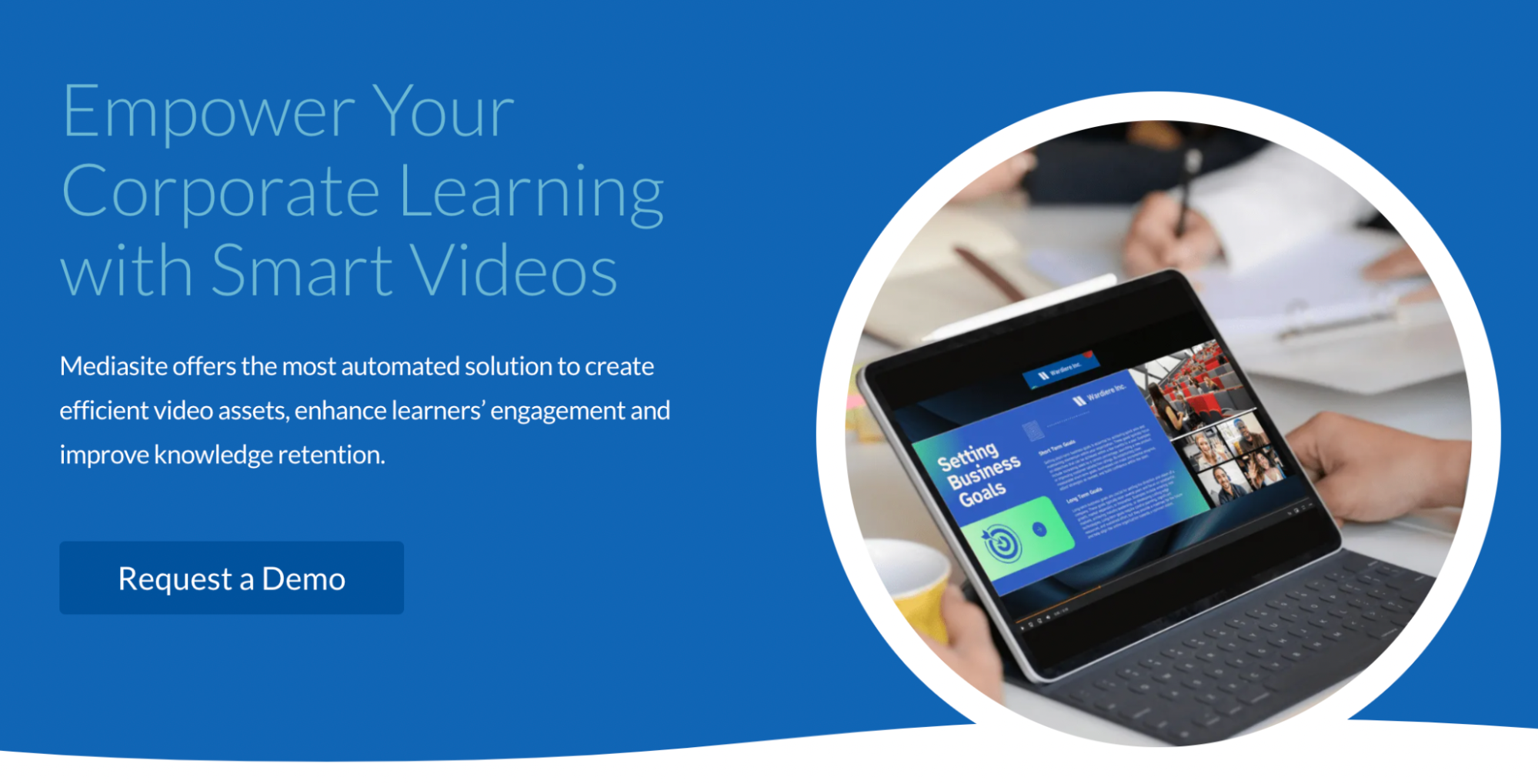
With Mediasite, you’re not just choosing a platform—you’re partnering with a global leader dedicated to transforming healthcare. Ready to experience the Mediasite difference? Contact us today.
Frequently Asked Questions
How does Mediasite support collaborative video editing for healthcare teams?
Mediasite’s collaborative editing tools allow teams to review, comment on, and refine videos together before publishing. Features include trimming, adding transitions, chapters, and watermarks, and adjusting audio levels. These tools enable users to create polished, professional content efficiently and foster collaboration across teams.
What customizable options does Mediasite offer for video playback and presentation?
Mediasite provides customizable player templates, allowing users to adjust layouts, resize elements, and change background colors. These options ensure videos align with organizational branding and viewer preferences, offering a tailored experience that enhances engagement and professionalism.
What kind of technical support and resources does Mediasite provide for new users?
Mediasite offers a world-class support team and built-in training modules to help users quickly master its tools. Resources include detailed documentation, webinars, and tutorials, ensuring organizations can maximize Mediasite’s features with minimal downtime or disruption.
 English
  Français
  日本語
日本語  Español
  Italiano
  Nederlands
  Deutsch